Android · Chrome
Tap Install
Hit the Install button and confirm. The app is added to your home screen instantly.
Free · Offline · No ads
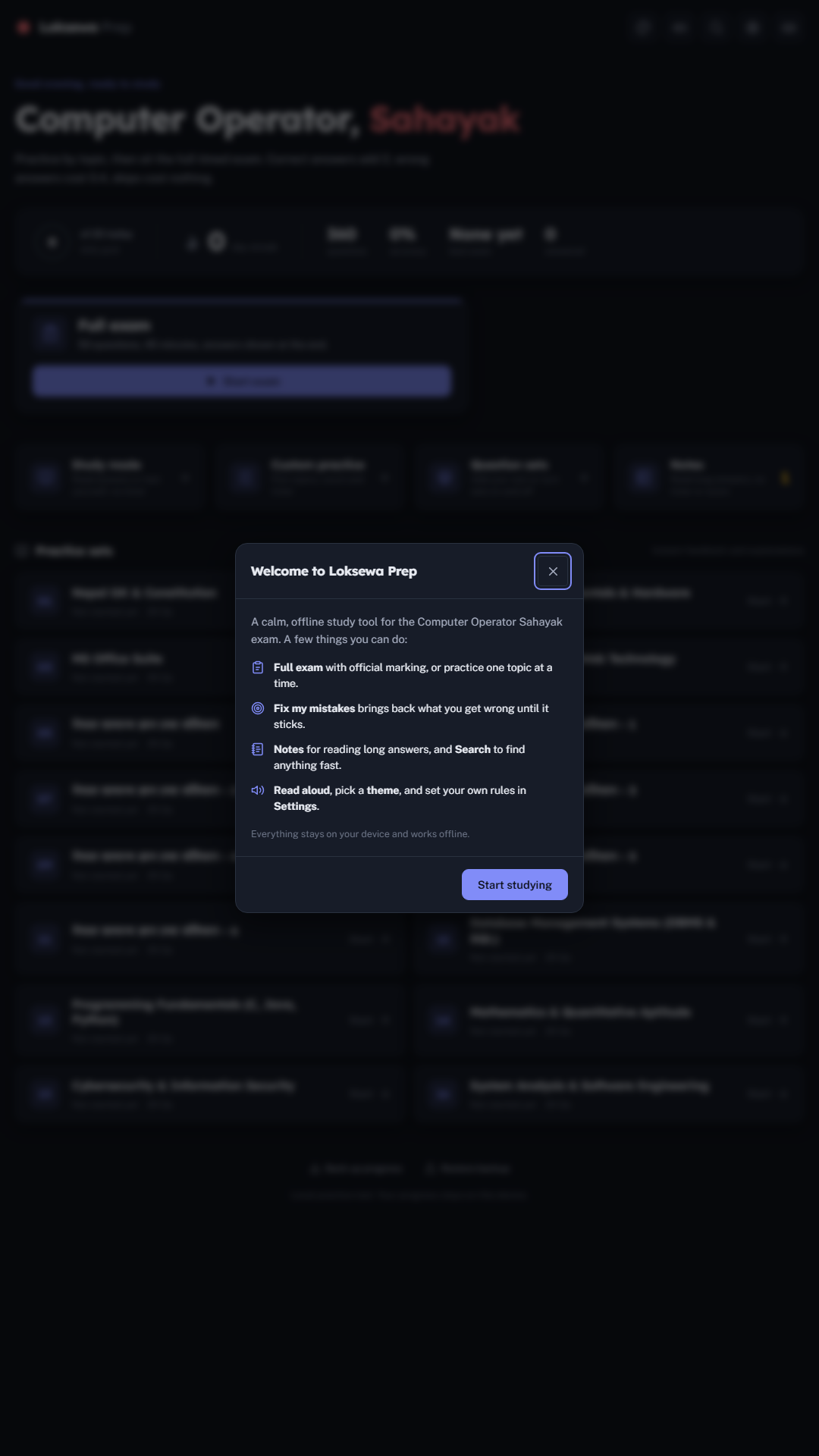
Loksewa Sarathi is a calm study companion for the Loksewa Computer Operator Sahayak exam - 345 questions, full mock tests with official marking, notes and progress, all on your phone. Install it like any other app.
Works fully offline once installed · Free forever
On iPhone or iPad:
Install isn't available in this browser. Open it in Chrome or Edge, then tap the install icon in the address bar - or use the browser menu ’s “Add to Home Screen / Install app”.
Everything you need
Everything is bundled in and stays on your device. No accounts, no ads, no internet required.
01
50 random questions, 45 minutes, official +2 / −0.4 marking and a 40% pass line - exactly like the real paper.
02
Instant feedback and explanations while you learn - computer fundamentals, MS Office, networking, databases, Nepal GK and more.
03
Read model answers like a textbook, rate how well you knew them, and let the app read questions aloud in Nepali or English.
04
Daily goals, streaks, accuracy by topic and insights that surface exactly which questions keep slipping away.
05
Eight study themes from paper to midnight, plus a custom theme builder. Calm on the eyes, built for focus.
06
Install it once and it lives on your home screen. Study on the bus, in the queue, anywhere - no connection needed.
Simple pricing
Start for free, upgrade when you're ready to master the exam.
Free Tier
Perfect for daily practice
Premium Pass
≈ NPR 84 a month · 6 months, one-time
One-time payment. No subscription.
Pay once with any trusted local method - your pass unlocks for 6 months. No auto-renewal.
Local-first · your study data never leaves your device
The Sarathi Family
Don't waste time on generic apps. Get the app built specifically for your exam.
Non-Gazetted 2nd Class
In production - the same calm, focused approach for the Kharidar first paper.
Section Officer
In production - built for the Section Officer paper, on the way.
One focused app per exam. The Sarathi family is growing - start with Loksewa Sarathi today.
Get started
Android · Chrome
Hit the Install button and confirm. The app is added to your home screen instantly.
iPhone · iPad
Tap Share in Safari, choose Add to Home Screen, then Add.
Windows · Mac · Linux
Click the install icon in the address bar (Chrome or Edge) and it's ready to launch full-screen.
Free · No account · Your progress stays on your device
Ready when you are
Ready to study
Practice by topic, then sit the full timed exam. Correct answers add 2, wrong answers cost 0.4, skips cost nothing.
50 questions, 45 minutes, answers shown at the end.
No question sets found
Add .json files to /questions and list them in
manifest.json.
Could not load questions
Score breakdown
Choose a topic above to start reading.
Turn sets on or off, add your own, or import a set. Only enabled sets show up in practice, exam and study.
Choose a topic above to start reading.
Answer some questions first and your insights will appear here.